opencloset
A wardrobe app that keeps your clothes offline, private and free.
Just like your real closet.
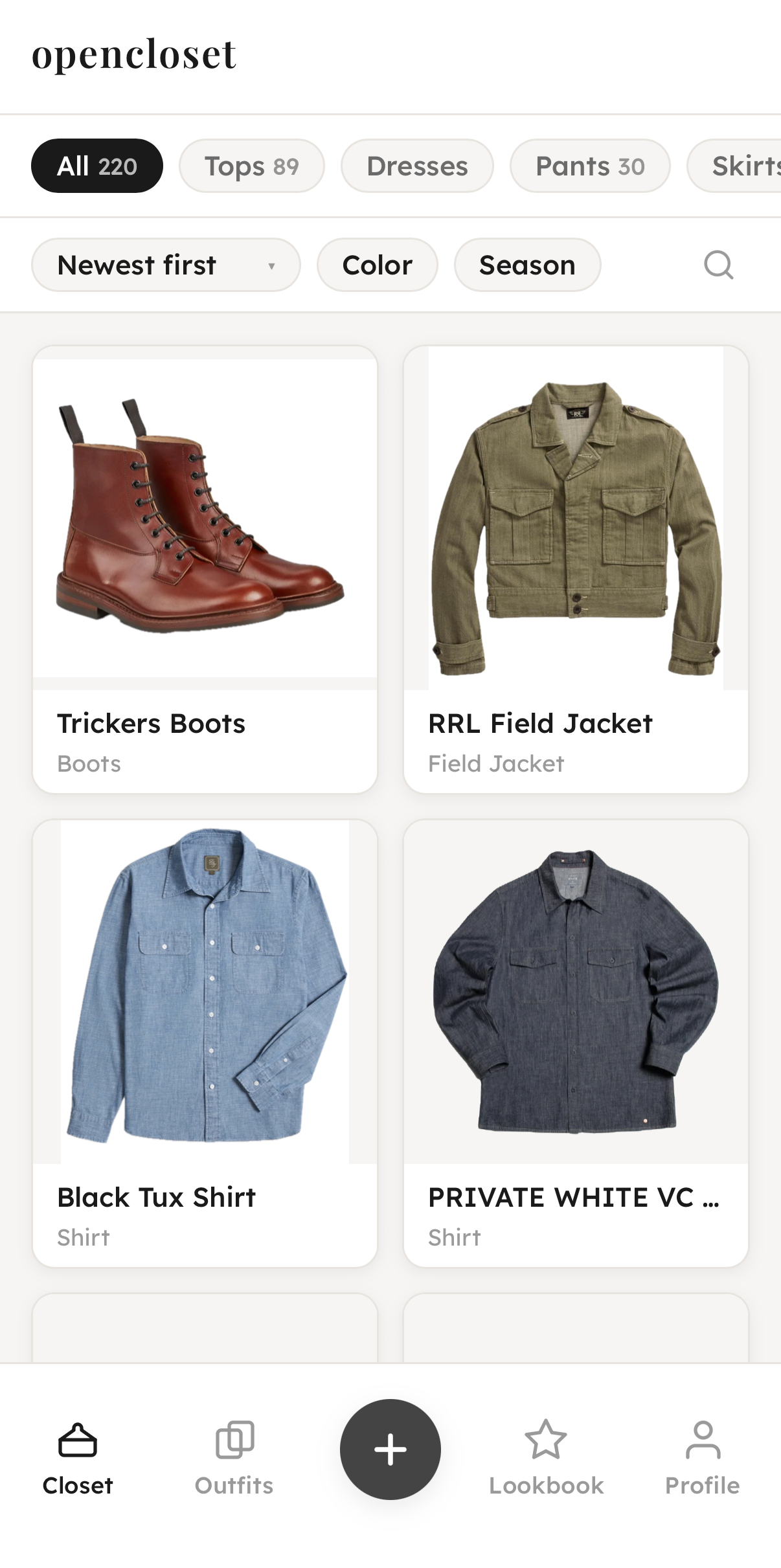
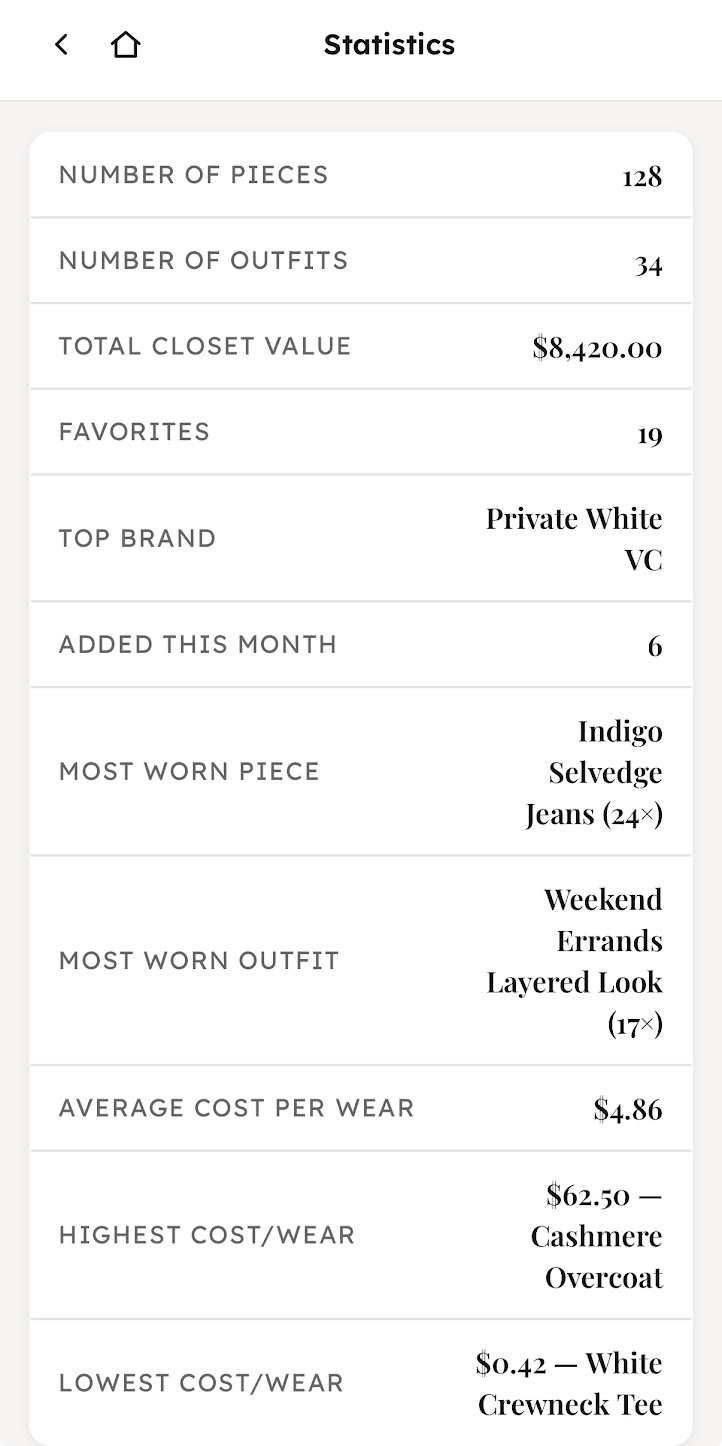
what opencloset does for you
-
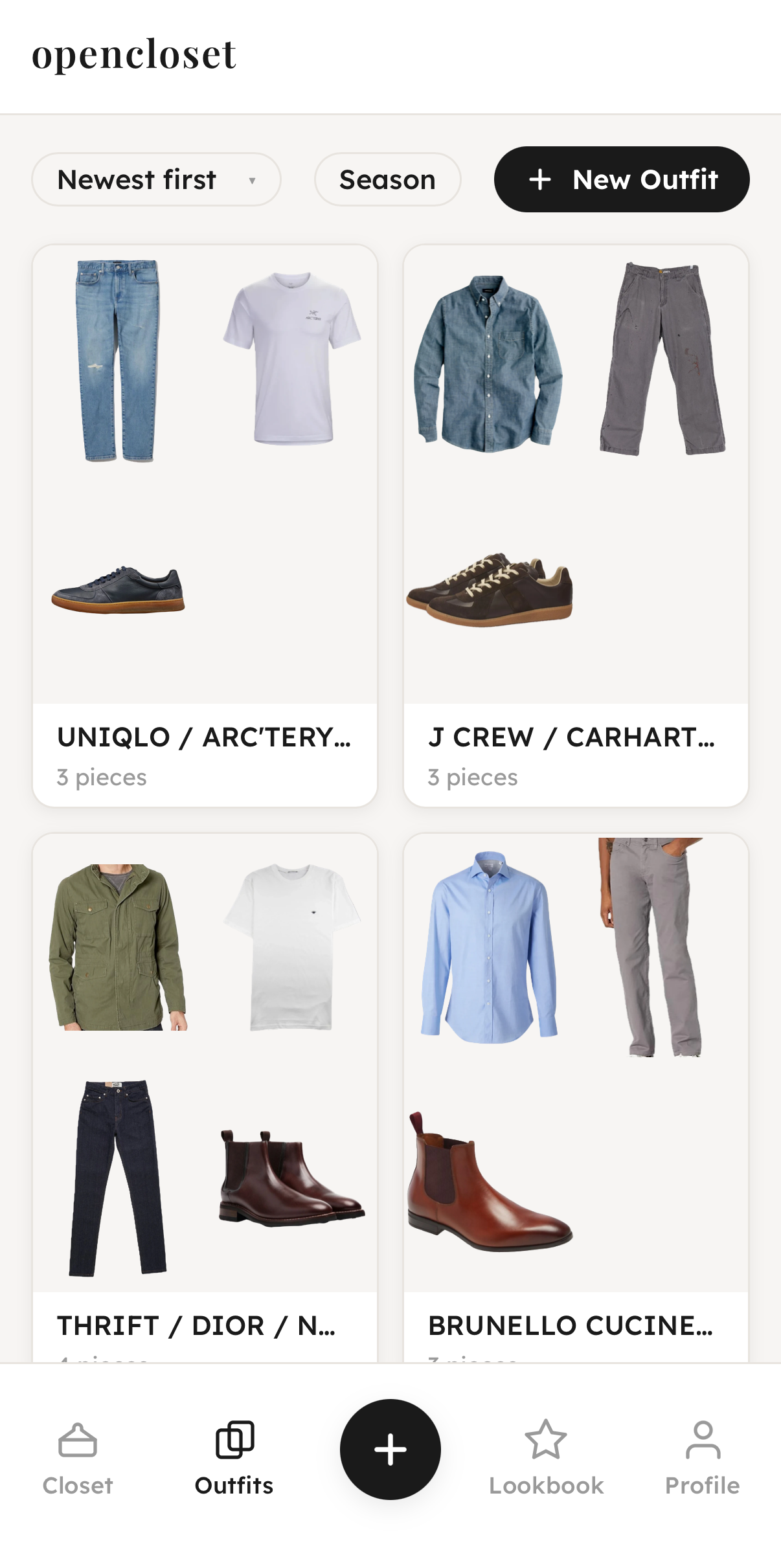
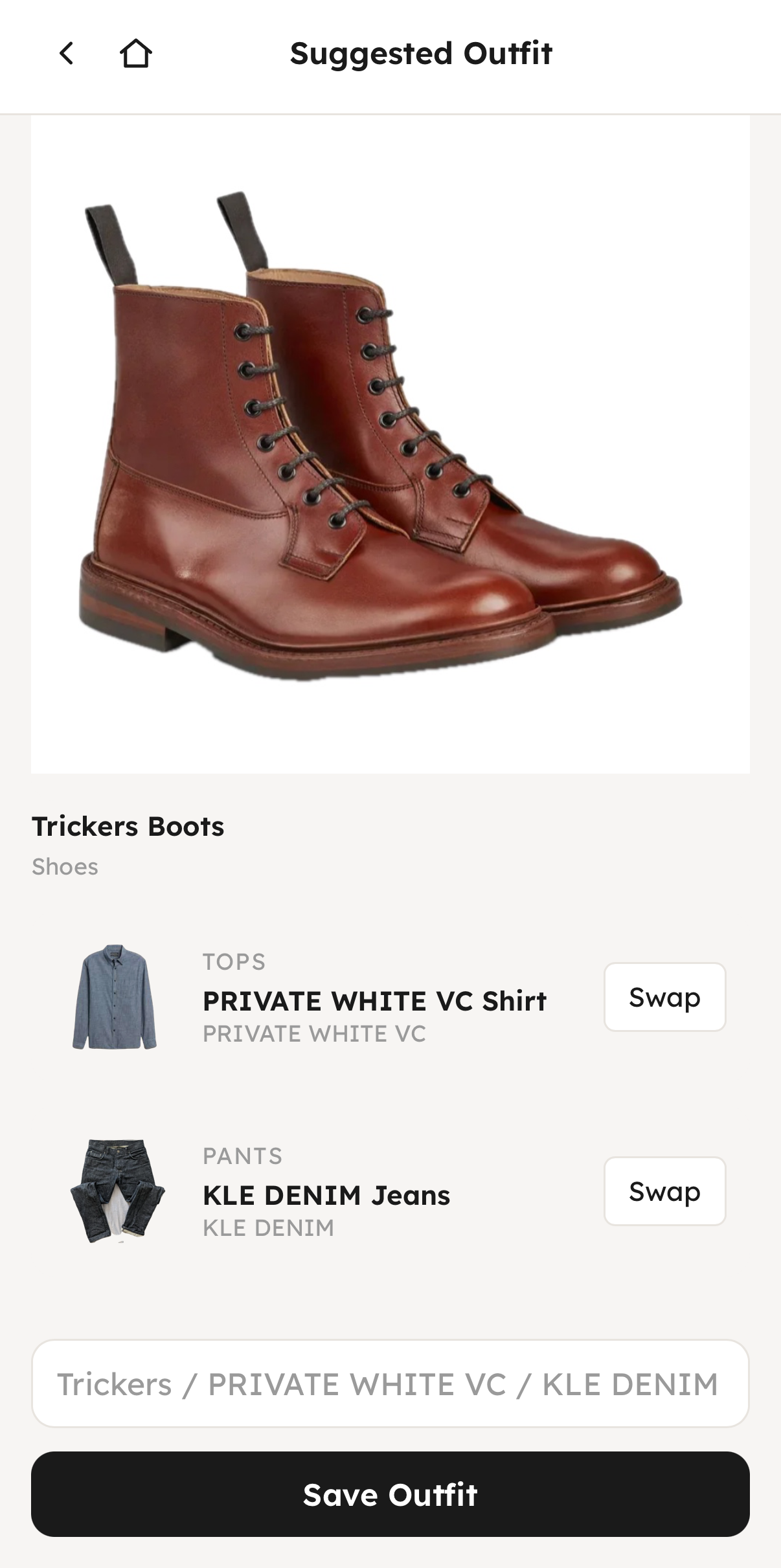
Plan outfits. Build looks from what you own, and get suggestions that make sense for the day. Capture outfit images from websites, and opencloset will build the closest matching outfit from what you already own.
-
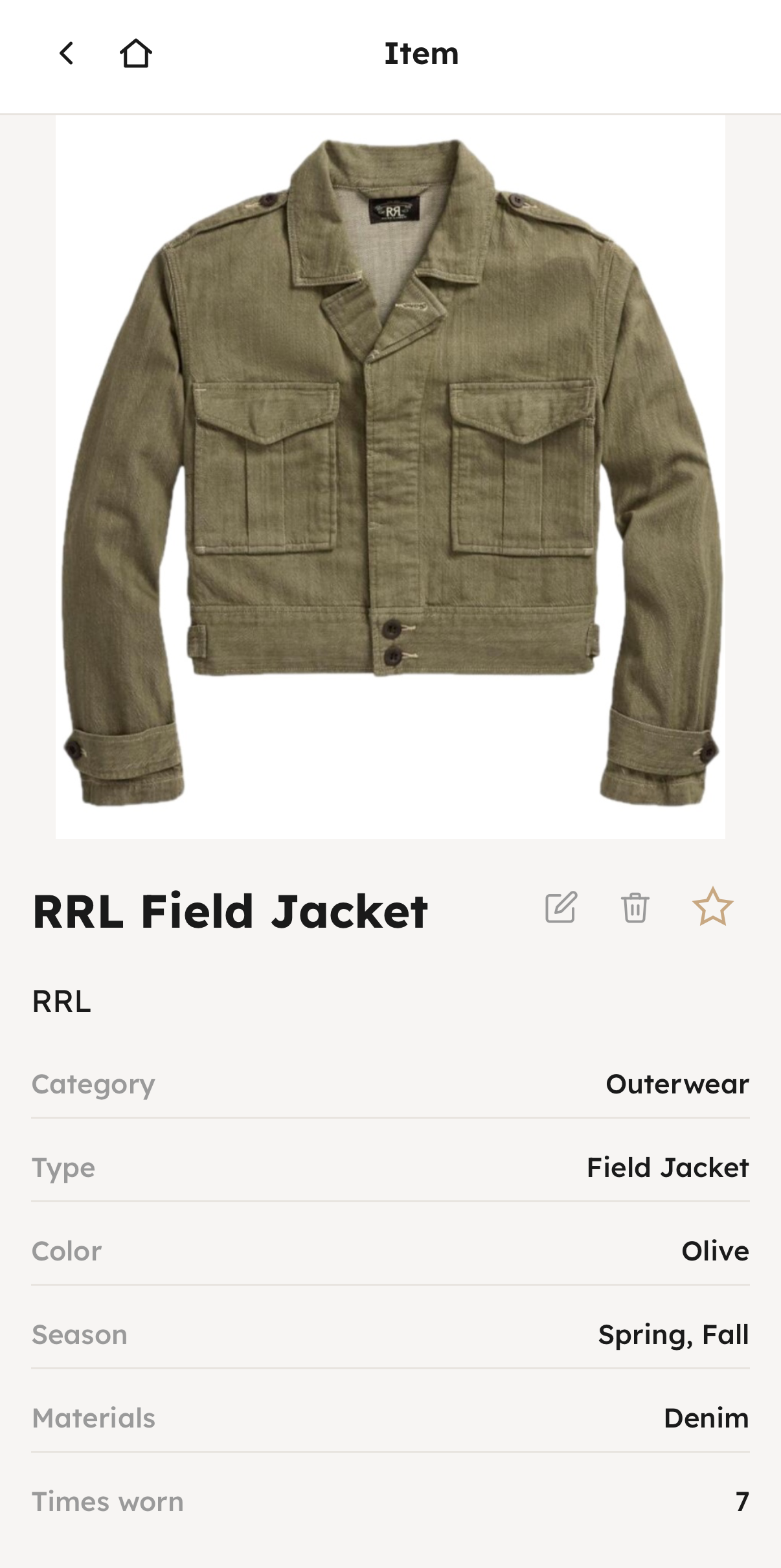
Track wear. See all your wear counts, cost-per-wear..
-
Import everything. Snap photos, capture from the web, or import Acloset data in bulk; on-device AI tags category, colour, and season for you.
-
No cloud required. Nothing leaves your phone unless you ask it to. Even works in airplane mode.
on-device AI
All OpenCloset models run directly on your phone. They don't upload anything or even need an Internet connection, and absolutely nothing is used for training.
-
Instant tagging. A fashion-tuned AI vision model picks up on the category, type, material, and colour of a piece the moment you import the photo — no dropdowns to fill in.
-
Clean cutouts. Automatically remove backgrounds from imported images, so a phone photo looks like a catalogue shot.
-
Smart matching. OpenCloset uses colour theory and visual similarity to create outfits, with thinking mode on supported phones.
-
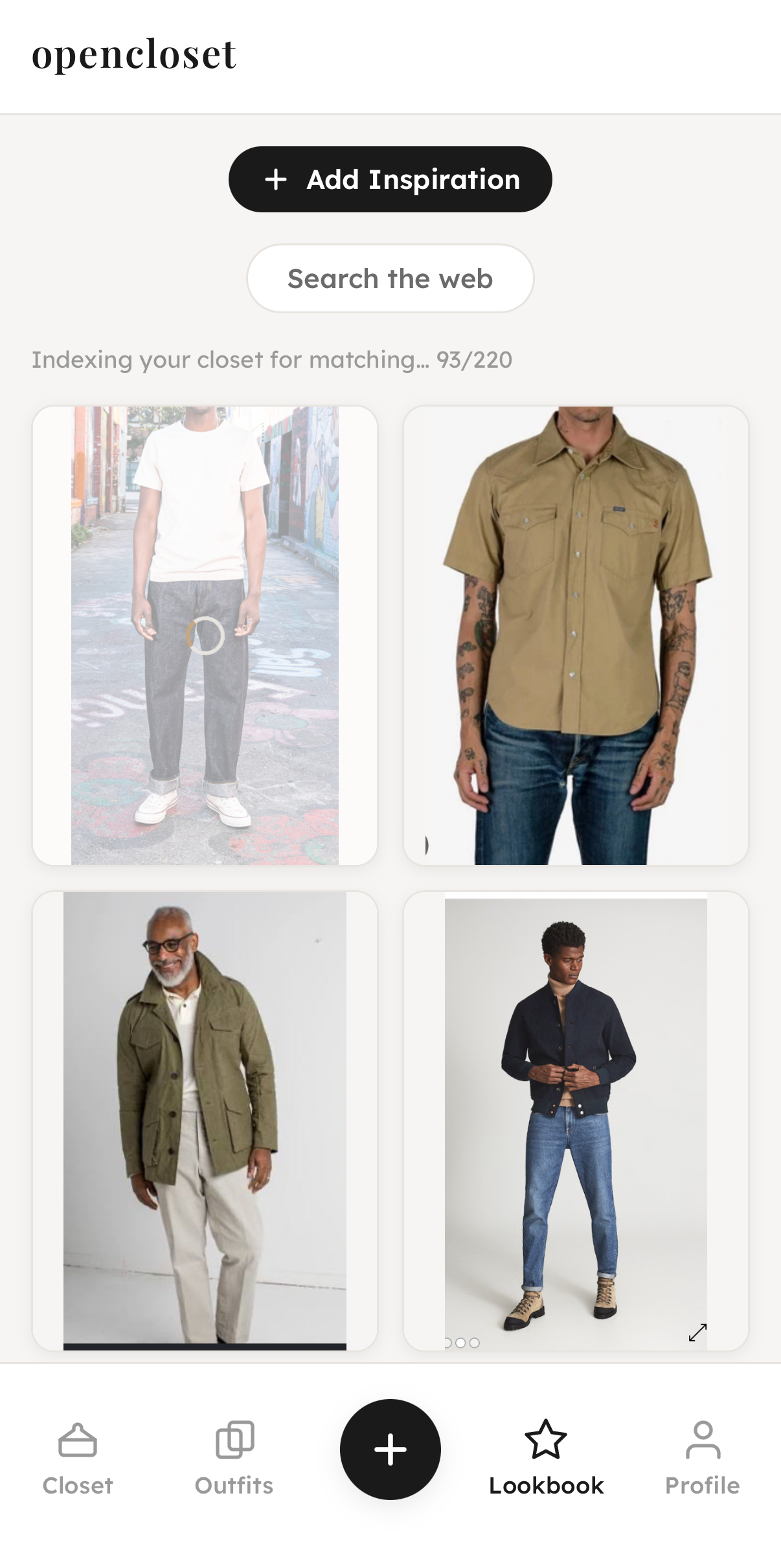
Lookbook. Save a photo of an outfit you love, and the on-device AI detects each piece in the outfit, then matches them to similar clothing you already own.
Models are downloaded once (approximately a 100MB download) then stay cached on your device for future use. If you do want to use a cloud AI, you can plug in your own API key instead.
FAQ
- Is it really free forever?
- Yes. All images are stored on your device, not on a server, so we have no ongoing costs and nothing to charge for. All AI models run on your device.
- What about backups?
- You can make manual backups of your wardrobe; if you do want cloud backups, or to access your wardrobe easily from multiple devices, we offer a cloud storage system for a small monthly fee. But you never need it to use the app.
- How does the AI work without the cloud?
- The models run directly on your device. Category, colour, and season tagging all happen on-phone — nothing is sent anywhere. If you do want to use a more powerful AI for things like outfit suggestions, we do offer a cloud AI add-on, or you can bring your own API key.
- Can I bring my closet over from another app?
- Yes — if you're coming from Acloset, follow the step-by-step import guide. Support for other apps is on the way.
- What happens if I switch phones?
- You can export your closet to a zip file, then import it on your new device. No account required.
Get the app
Free on iPhone and Android. No account, no card, no cloud — unless you ask.